About This Game
Naruto X Boruto: Ultimate Ninja Storm Connections Game + DLCs – Overview – PC Edition – Free – Screenshots – Installation Guide Line
Type of game: Adventure, Fighting
PC Release Date: 17, November 2023
Developer: CyberConnect2 , Bandai Namco
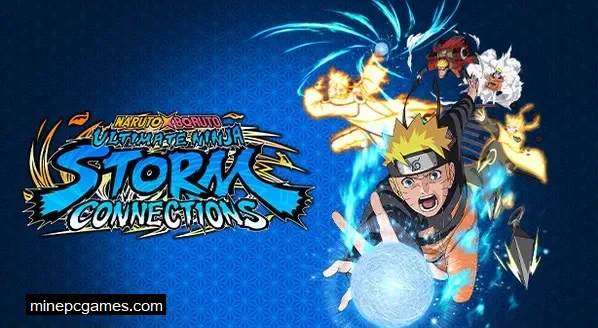
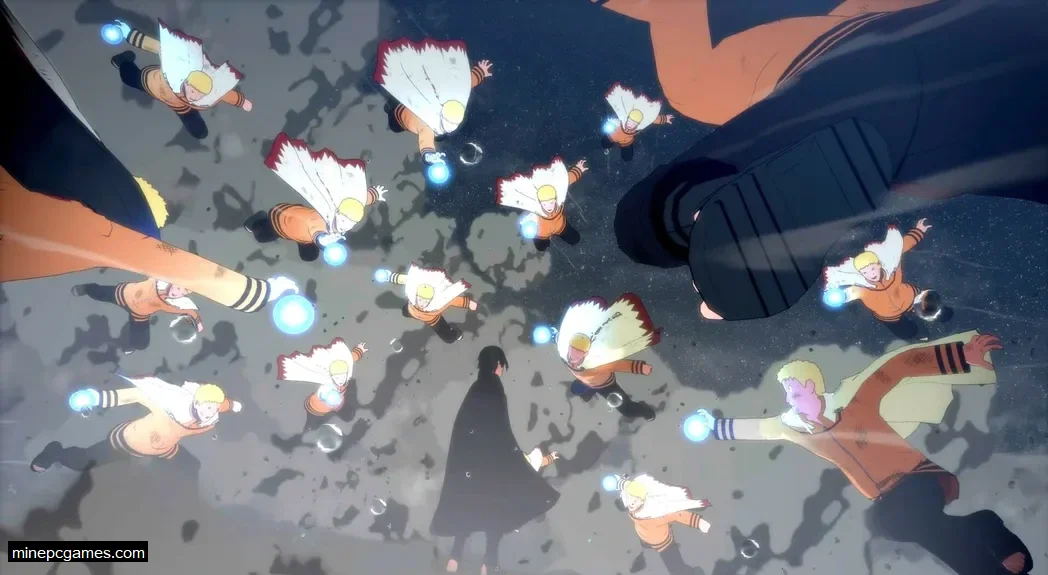
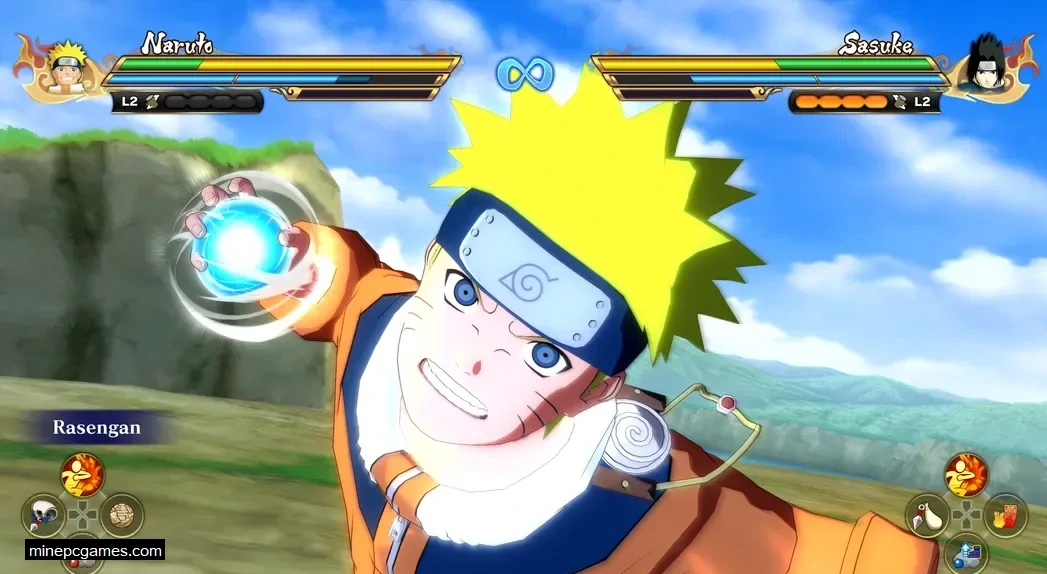
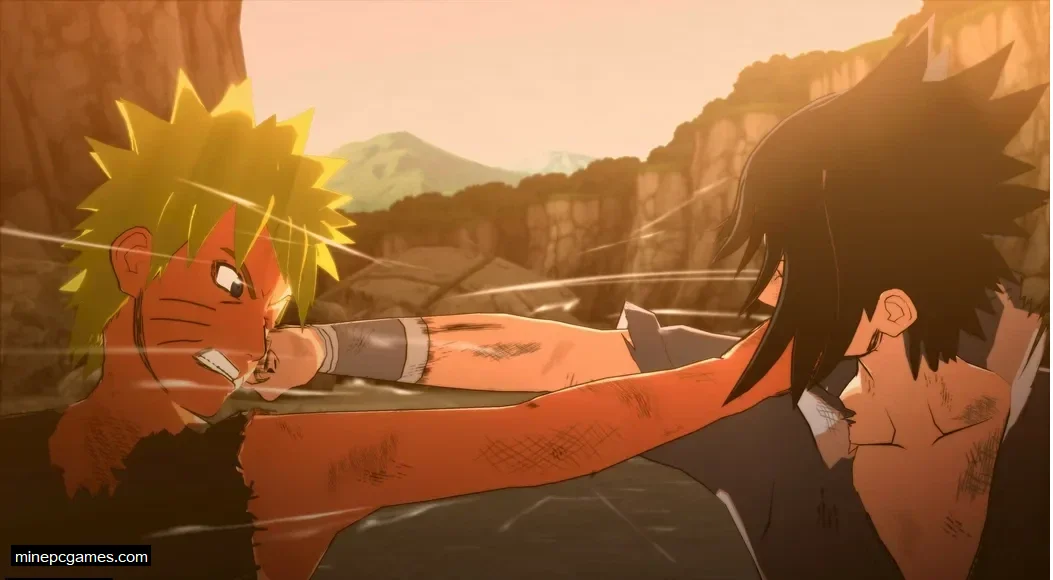
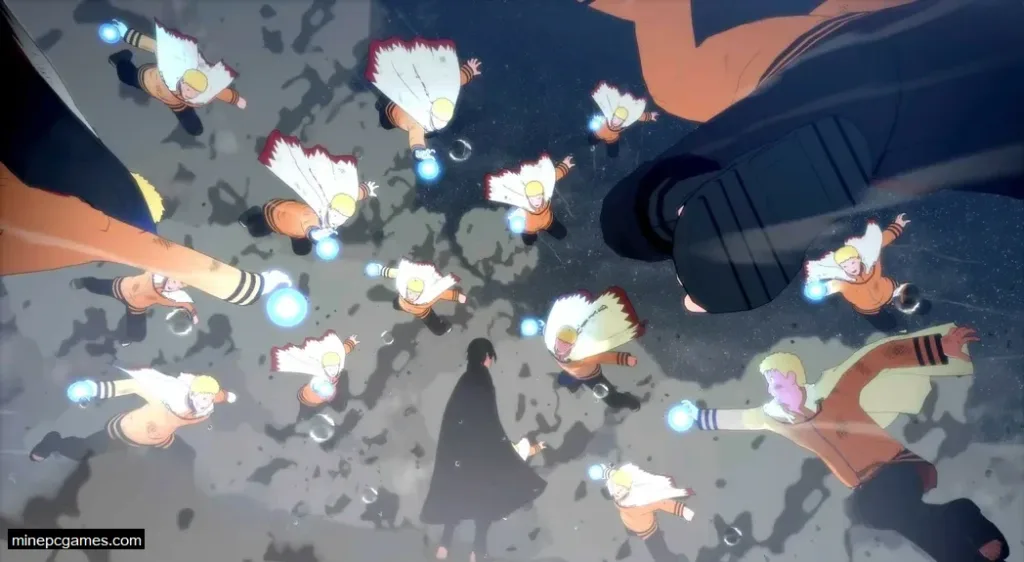
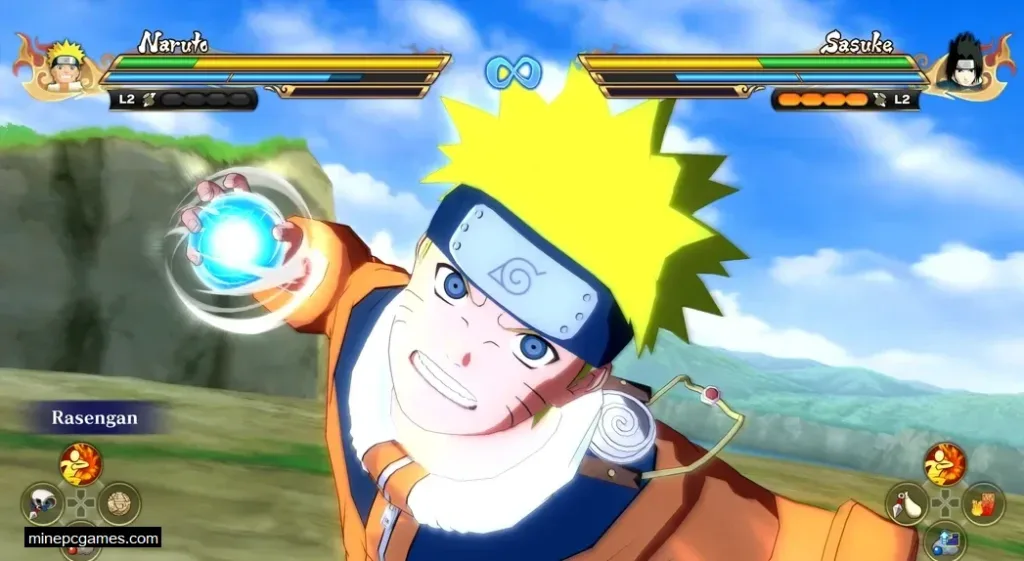
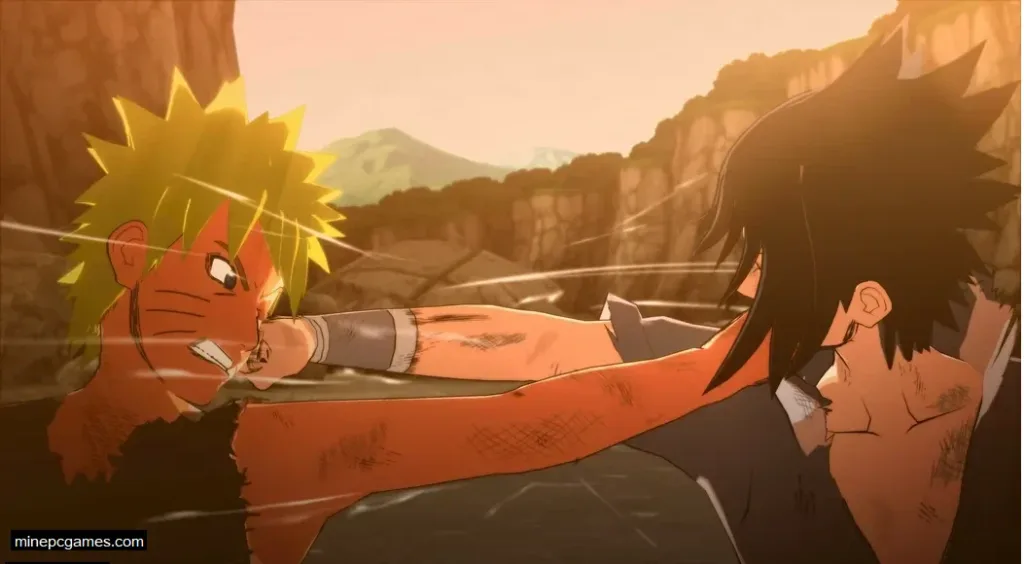
Naruto X Boruto: Ultimate Ninja Storm Connections Game (29 GB) is an action-fighting game developed by CyberConnect2 and published by Bandai Namco Entertainment. The seventh Ultimate Ninja Storm title features the largest roster in the series, with over 130 playable characters, including Ashura, Indra Otsutsuki, Kawaki, and Jigen. The game offers two story modes: History Mode, which recreates Naruto and Sasuke’s legendary rivalry from childhood through their final battle, and Special Story Mode, an original storyline where Boruto Uzumaki becomes involved in a mysterious conflict after encountering a girl in a popular online game. Combat features faster-paced battles, with every character receiving six different jutsu options during matches.
Ensure your PC meets the minimum system requirements before you begin the download.
Screenshots
How to Install?
- Extract the archive with WinRAR.
- Open the "Naruto X Boruto: Ultimate Ninja Storm Connections" folder.
- Run "Setup" to install the game.
- Once the installation is finished, go back to the extracted folder.
- Open the "RUNE" folder and copy all the files.
- Paste them into the folder where the game was installed.
- Double-click the "Game" icon to start playing.
How to Download?
If your don’t know how to Download this game, just Click Here!
Naruto X Boruto: Ultimate Ninja Storm Connections Game
Click Here to Download This Game
Game Size: 29 GB
Password: www.minepcgames.com or minepcgames
Please share with your friends and help us to make best gaming community!
Hello everyone! We hope your game is running perfectly, as our top priority is to provide only fully tested and working games. Every game is carefully checked before it is uploaded. If you encounter any issues during installation or while launching the game such as runtime errors, missing DLL files, or any other errors please visit our FAQs page for troubleshooting steps and solutions.
Happy Gaming! 
System Requirements
Minimum Requirements
OSWindows 11 (64-bit)
ProcessorIntel Core i7-11700K / AMD Ryzen 5 3600
Memory8 GB
GraphicsNVIDIA GTX 770 / AMD RX 480 / Intel Arc A750
DirectX11
Storage30.36 GB free space
You May Also Like

Stay in the Game
Subscribe to get the latest game updates, exclusive offers and tips straight to your inbox.
Enter your email address Subscribe